Principles to create and evaluate clothes forms.
We present differents functions and examples to paint a surface :
Rough :
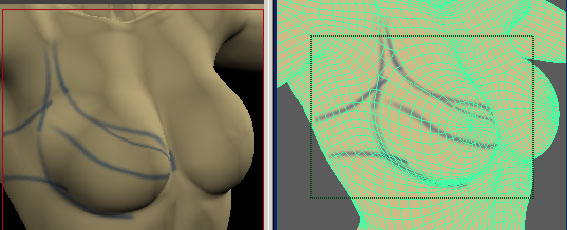
We select a color, a brush size and draw on the object .
(In Maya, we can decide to paint on a channel of the shader : color, transparency, bump, reflexion...)
(To download the animation : draw1.exe 1993KB self extraction of Camstasia Avi movie)
( The left window shows the result of a calculated image, the right window
shows a perspectiv, where we draw directly on the model. With Maya Interactiv
Photorealistic Rendering you can see the image as soon as the drawing is modified.)
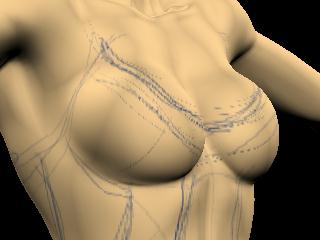
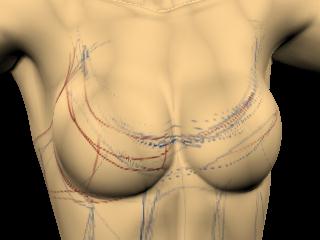
Now we show images obtained from modified drawing :
Volumes :
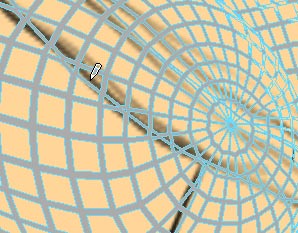
If it's necessary to change the surfaces we create a trim line.
Textures :
It's possible to apply colours and matters :
A fast drawing...
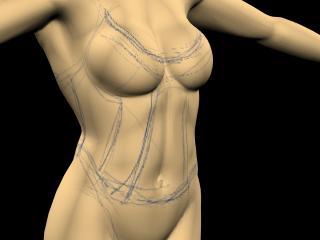
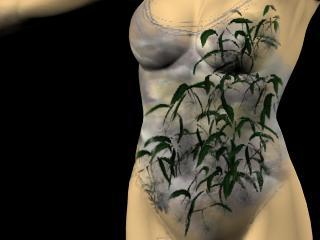
And graphics effects...
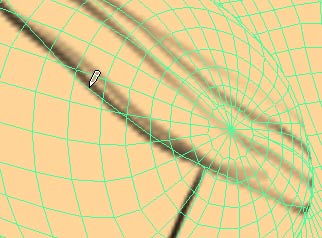
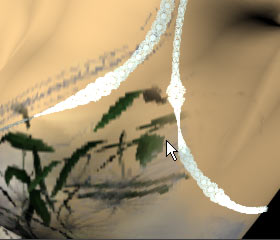
We can draw Nurbs curves on a surface wich is the support for graphics elements.
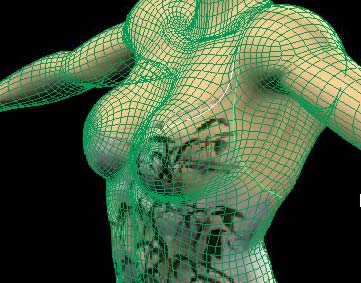 The green
and white curves are following the surface.
The green
and white curves are following the surface.
We attach a graphic elements on the curves, and we obtain :
:
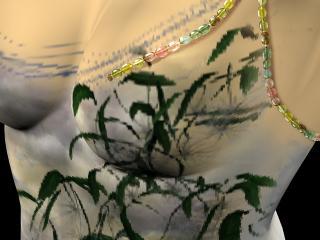
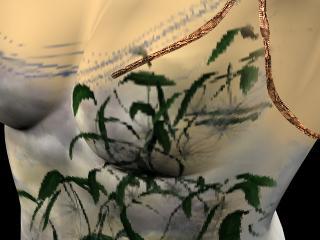
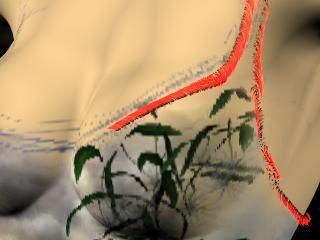
Or others effects:
(Other référence : About MAYA PaintFX )