
|
First create a subdivided plane: Create > Polygon Primitives > Plane and adjust the sizes and subdivisions: 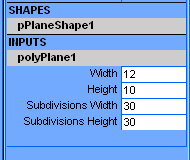 The plane should be horizontal: 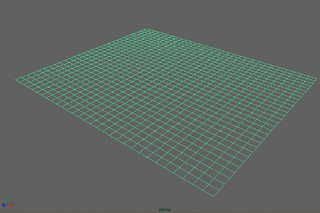 Tip: The resulting animation quality is often better if you use quadrangles instead of triangles. Convert the polygonal shape to a cloth object using: Syflex > Cloth > Create Cloth 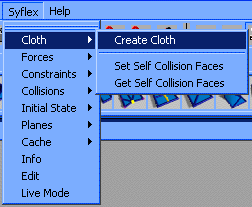 Adjust the default values to look like this: 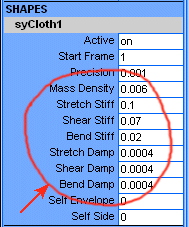 To assign forces or constraints, you'll need to select the cloth. Selecting the cloth can be done in 3 ways:
|
Syflex LLC - www.syflex.biz