

|
This chapter shows hot to build a simple tshirt. First create a 6 sided cylinder around your character. 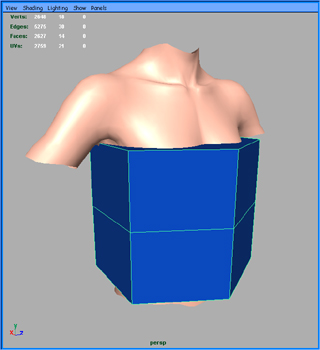 Shape it around the body, by moving vertices 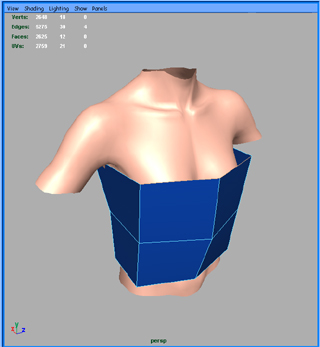 Select the 4 edges on the top and extrude them. Then move the back and front edges close to each other, so you can merge them. 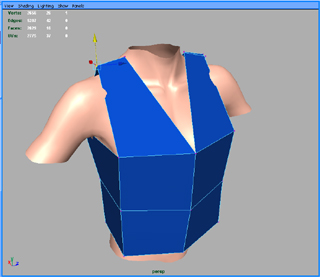 Smooth the cloth, and shape again the cloth. 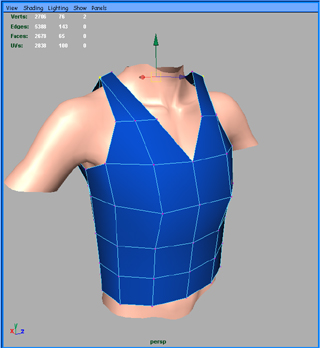 Repeat the process until you are satisfied. Our cloth has approximately 3500 vertices, the body has 2600 vertices. 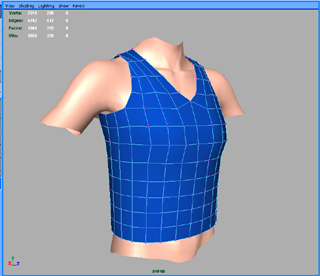
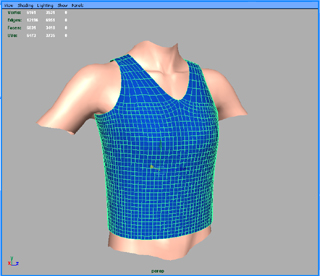 Then create a cloth from this object: select the cloth Syflex > Cloth > Create Cloth Adjust the parameters for the mass, stiffness and damping parameters. This depends on the units of your scene. In our case the cloth parameters are: 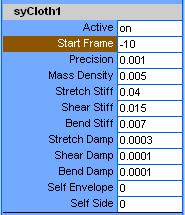 Add a gravity (gravity y = -0.04) and a damping (damp = 0.00002). Create a collision between the cloth and the body: Select both object, and call Syflex > Collisions > Create Collider Adjust the collision parameters. In our case they look like this: 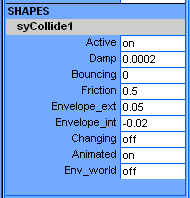 Then run the animation, providing 10 frames before the beginning of the scene to allow the cloth to settle on the body (click on the image to see the movie). 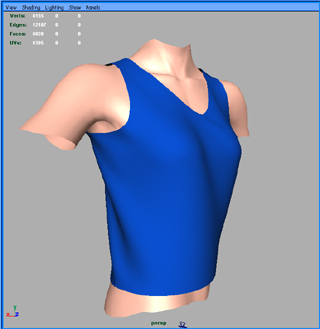 The resulting animation doesn't show a lot of wrinkles. It's often better to pin the bottom of the shirt on the body. Select the bottom row of vertices of the cloth, also select the body, and call: Syflex > Constraints > Pin The resulting animation should look like: (click on the image to see the movie). 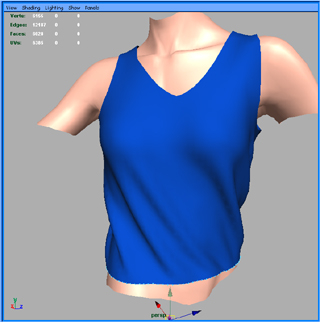
 « Back Next » |
Syflex LLC - www.syflex.biz